

Geek Bar Pulse X 25K Troubleshooting Guide: Fix Screen, Charging & Auto-Fire Issues
Geek Bar Pulse X 25K Troubleshooting Guide: How to Fix Common Issues
The Geek Bar Pulse X 25K is a marvel of disposable vape technology, featuring a massive 3D curved screen and dual mesh coils. However, like any high-tech device, it can sometimes encounter glitches.
Is your screen dead? Is the device auto-firing with a stuck red light? Or perhaps it won't charge past 0%? Before you throw it away, check out this repair guide. We've broken down the most common issues and how to fix them in under 10 minutes.
Common symptoms and their potential solutions based on teardowns.
| Issue | Potential Cause | Suggested Fix |
|---|---|---|
| Screen Won't Turn On | Loose Ribbon Cable / Glitch | Remove shell, check connections, wiggle wires gently. |
| Auto-Firing (Red Light) | Dirty Airflow Sensor | Clean the internal microphone sensor with a Q-tip & alcohol. |
| Stuck Switch | Misaligned Plastic Slider | Re-seat the bottom slider mechanism. |
| Not Charging (Stuck at 00) | Battery/Port Disconnect | Inspect battery wires and USB-C port for debris. |
1. The "Secret" Feature: Removable Shell
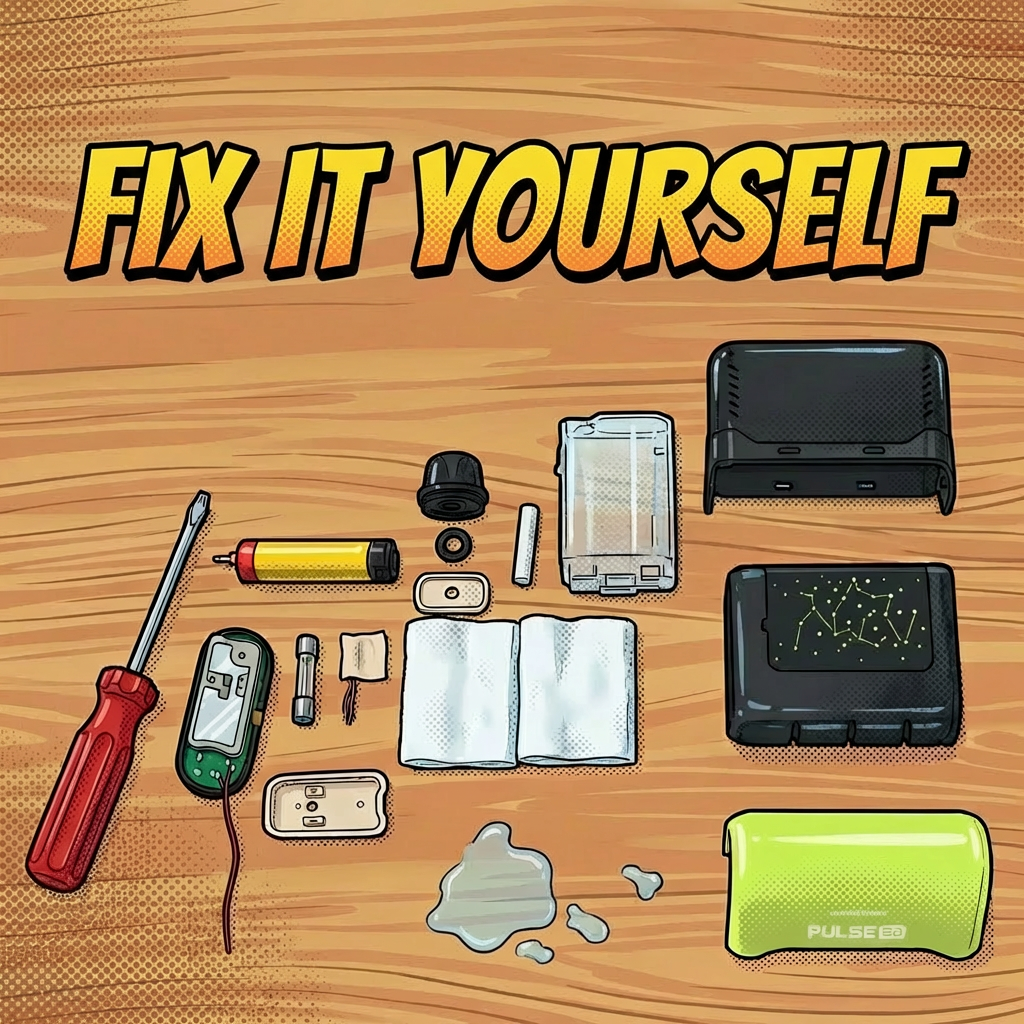
Many users don't realize that the Geek Bar Pulse X is modular. The colored outer shell isn't glued permanently to the battery/tank assembly.
- How to open: You can carefully wiggle the outer shell and slide it upwards. This exposes the internal battery, juice tank, and circuitry.
- Bonus - Customization: As mentioned in the video, if you have multiple dead Pulse X devices, you can "mix and match" the shells to create custom color combinations!
2. Deep Dive: Fixing the Auto-Fire & Screen
The most annoying issue reported is the "Auto-Fire," where the device continues to activate (showing a red light) even after you stop inhaling. This burns the coil and wastes juice.
- The Fix: Once the shell is removed, locate the small airflow sensor (often looks like a small microphone) at the bottom near the USB port.
- Cleaning: Use a Q-tip dipped in a tiny amount of isopropyl alcohol to gently clean the sensor. Often, condensation or juice leaks can clog this sensor, causing it to think you are still inhaling.
📺 Watch the Repair Tutorial
Step-by-Step Fix: Watch how to disassemble the device, fix the stuck switch, and clean the sensors.
Watch on YouTube
Verdict: Fix or Replace?
While the Geek Bar Pulse X is a disposable device, a little DIY spirit can sometimes save a "dead" unit. Simple fixes like cleaning the sensor or re-aligning the switch are definitely worth a try before tossing it.
Warning: Always be careful when handling lithium-ion batteries. If the battery is swollen or damaged, do not attempt to repair it—dispose of it properly.
Device Beyond Repair?
Sometimes it's time to let go. Grab a fresh, working Pulse X today.
Shop New Geek Bar Pulse X