

Geek Bar Pulse X Troubleshooting Guide: Fix Charging, Blinking & Burnt Taste
Geek Bar Pulse X Troubleshooting Guide: Fix Charging, Blinking & Burnt Hits
The Geek Bar Pulse X 25K is a high-tech device, but like all electronics, it can glitch. Before you throw your device in the trash (or post an angry review), check this Reddit-approved troubleshooting guide.
We have compiled the most common issues—from the "Red Light of Death" to the dreaded "Burnt Taste"—and how to fix them in seconds.
| Problem | Likely Cause | The Fix |
|---|---|---|
| Blinking Red | Dead Battery | Charge for 40 mins (Use USB-A to C) |
| Won't Charge | High Voltage Charger | Switch to a 5V/1A Wall Plug |
| Burnt Taste | Dry Wick / Chain Vaping | Wait 10 mins & Switch to Regular Mode |
| Auto-Firing | Sensor Debris | Blow gently into the bottom airflow |
1. Why is it Blinking Red? (Light Codes)
The Pulse X speaks to you in lights. Here is how to translate the error codes:
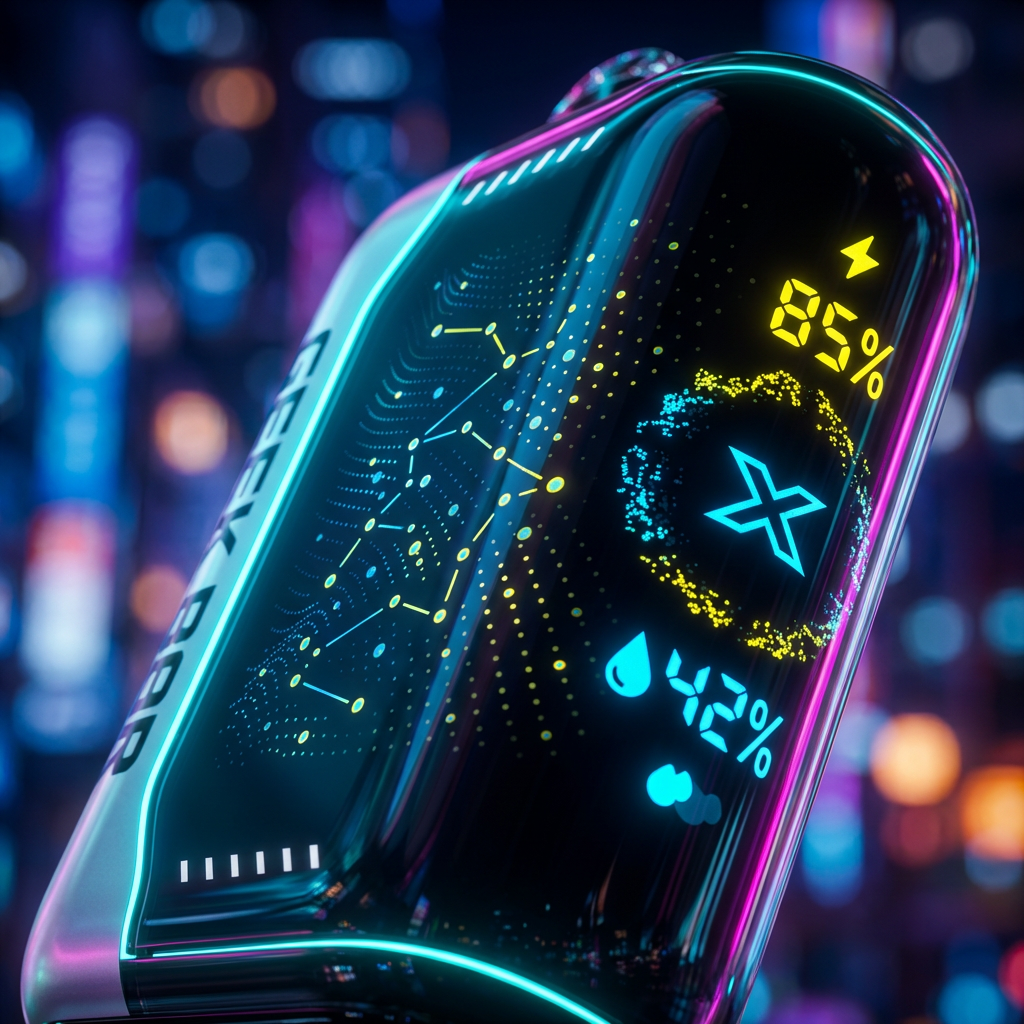
- Blinking Red (10 Times): Battery Empty. The device has 0% power. Plug it in immediately.
- Blinking Red (While Vaping): Safety Cutoff. If you inhale for longer than 10 seconds, the device cuts power to prevent the battery from overheating. Take shorter puffs.
- Screen Stays On: This is normal while charging. It will turn off when fully charged.
2. The Device Won't Charge (The #1 Issue)
If you plug it in and nothing happens, your device likely isn't broken—your charger is just "too good."
The "High-Voltage" Problem
Modern fast chargers (like MacBook or Samsung USB-C to USB-C chargers) output too much voltage. The Pulse X's safety chip detects this surge and blocks the current to prevent the battery from exploding.
The Solution:
- ✅ Use a "Dumb" Charger: Use an old 5V/1A wall brick (like the old square iPhone cubes).
- ✅ Use the Right Cable: Use a USB-A to USB-C cable (rectangular end to oval end).
- ❌ Avoid: High-speed USB-C to USB-C cables.
3. It Tastes Burnt (Dry Hits)
Nothing is worse than a mouthful of burnt cotton. This happens when the coil burns the wick instead of the juice.
How to Save a Burnt Vape:
- Stop Vaping Immediately: Continuing will permanently ruin the coil.
- The "Gravity Fix": Let the device sit upright for 10 minutes. This allows gravity to pull the e-liquid down into the cotton wick.
- Switch Modes: Toggle the bottom switch to "Regular Mode" (Left). This lowers the wattage from 20W to 12W, putting less stress on the coil.
4. Airflow Feels Clogged / Hard to Pull
If it feels like sucking a milkshake through a tiny straw, the airflow path is blocked.
Debris Check: Check the bottom airflow switch. Pocket lint often gets stuck there. Use a toothpick to gently clear it.
The "Reverse Blow": Gently blow into the charging port. This can dislodge condensation or dust blocking the internal sensor.
5. Device is "Auto-Firing" (Hissing sound)
This is a rare but scary issue where the device keeps firing (hissing) even after you stop inhaling. It is caused by a stuck pressure sensor.
Emergency Fix:
- Blow Forcefully: Blow hard into the bottom airflow holes. This separates the pressure sensor contact points.
- Tap It: Tap the device firmly on a table to unstick the internal mechanism.
- Safety Warning: If it doesn't stop, place the device on a non-flammable surface outside and let the battery drain. Do not use it again.
Watch: Disassembly & Repair Guide
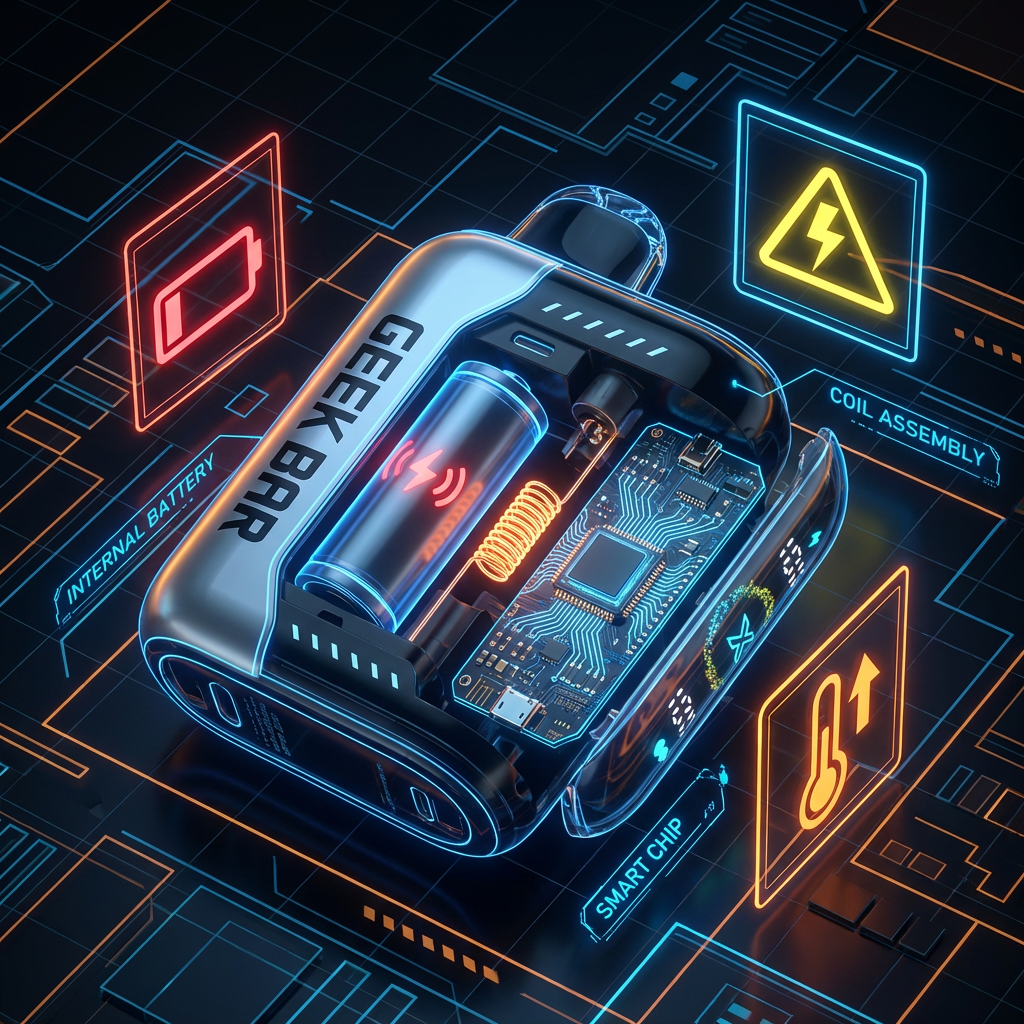
Want to see what's inside? This teardown video shows the internal battery and sensor, helping you understand why these glitches happen.
If you've tried all the above and the screen is glitching or the device is dead, you may have a counterfeit unit. Authentic Geek Bar Pulse X devices have a failure rate of less than 1%. Check the holographic QR code on your box to verify authenticity.
Need a replacement?
Don't risk a dud. Shop our verified authentic stock.
Shop Authentic Geek Bar Pulse X