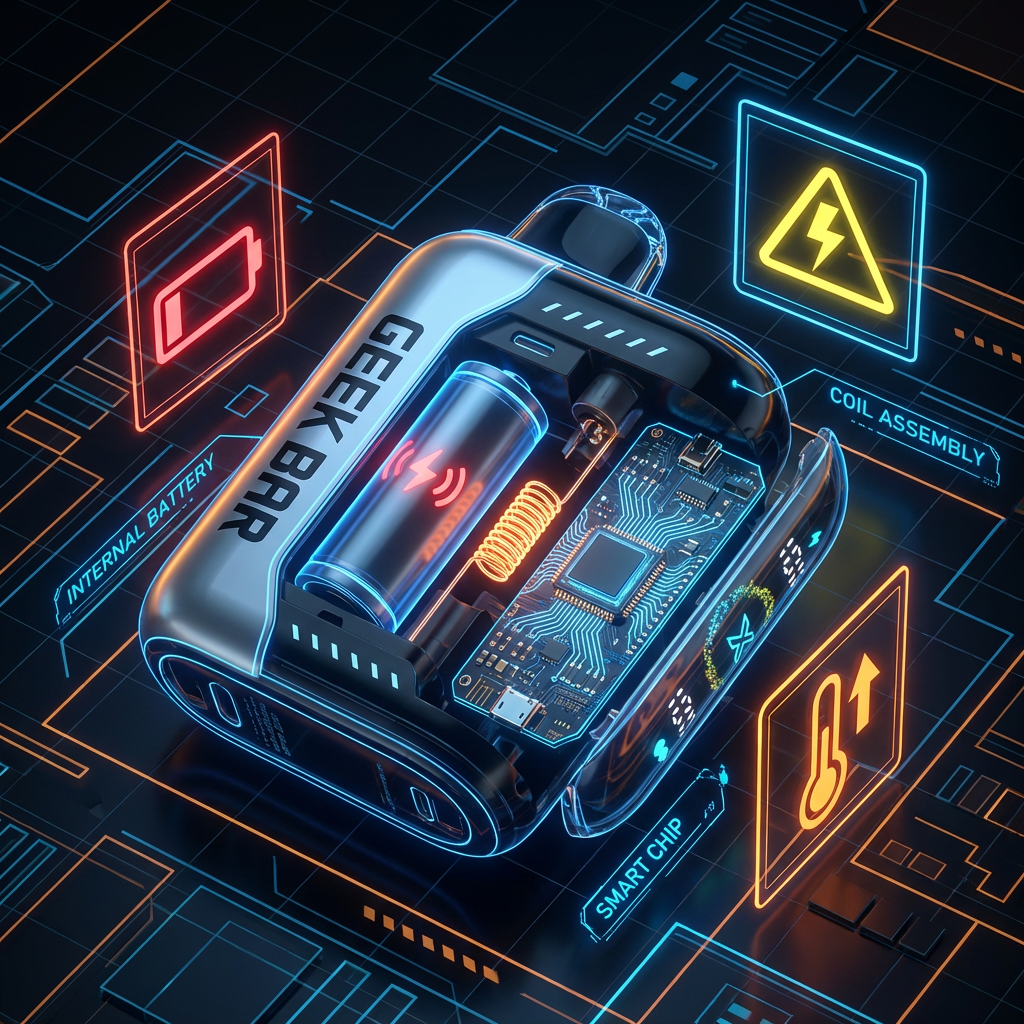

Geek Bar Pulse X: Pulse Mode vs. Regular Mode Guide (2026)
Master the Switch: Geek Bar Pulse X Pulse Mode Explained
That little switch on the bottom of your Geek Bar Pulse X isn't just a simple on/off button. It is the command center for the device's Dual Core Processor. It controls airflow, wattage, and ultimately, your entire vaping experience.
- Regular Mode: Best for "All-Day Vaping." Maximizes battery life and puff count (25k).
- Pulse Mode: Best for "Flavor Bombs." Increases power to 20W for 2x vapor and intensity (15k).

But when exactly should you flip the switch? Here is the ultimate breakdown.
The Technical Breakdown: What Happens Inside?
Before we get into usage scenarios, let's look at the specs. Tech-savvy vapers know that Wattage = Flavor.
| Feature | Regular Mode | Pulse Mode |
|---|---|---|
| Puff Count | Up to 25,000 | Up to 15,000 |
| Wattage | ~12W (Standard) | 20W (High Power) |
| Coil Activation | Alternating (Single) | Simultaneous (Dual Mesh) |
| Airflow | Standard / Tighter | Max Airflow / Open |
| Screen Animation | Slow Constellation ✨ | Rocket Ship 🚀 |
🔴 When to Use PULSE MODE (The "Boost")
Pulse Mode fires both mesh coils simultaneously at high voltage (20W). This creates the "Rocket Ship" animation on the screen and delivers a massive hit.

1. The "Post-Meal" Satisfaction
After a heavy meal, a light vape often doesn't cut it. Pulse mode provides a stronger throat hit and faster nicotine delivery, perfectly mimicking that "after-dinner cigarette" satisfaction.
2. Maximizing "Ice" Flavors
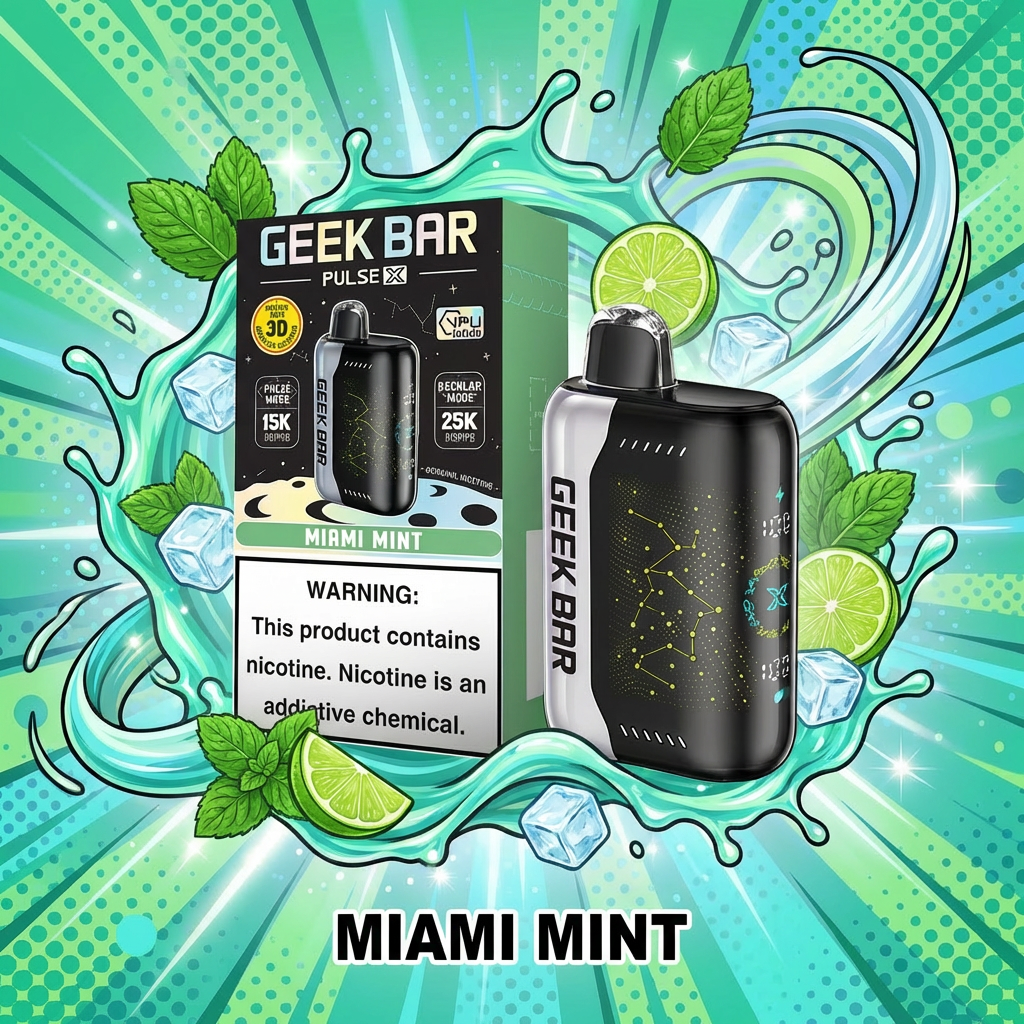
If you are vaping Miami Mint, Watermelon Ice, or Blue Razz Ice, Pulse Mode is a game-changer. The higher heat paradoxically makes the menthol feel colder and crisper, giving you that "brain freeze" sensation.
3. Social Cloud Chasing
Want to show off? Pulse Mode doubles the vapor production. It produces dense, thick clouds that look great on camera or in social settings.
🟢 When to Use REGULAR MODE (The "Cruise")
Regular Mode alternates the firing of the coils. This keeps the temperature lower and the battery usage efficient.
1. The All-Day Driver
If you chain vape while working, driving, or gaming, stick to Regular. It provides a smoother draw that won't give you a "nicotine rush" (dizziness) too quickly. It allows you to vape longer without needing a break.
2. Taming Sour Flavors
Sour flavors like Lemon Heads can sometimes be too harsh at 20W. Regular Mode mellows out the acidity, allowing the subtle tart notes to shine without hurting your throat.
3. Budget & Longevity
This is simple math. Regular Mode extends the device's life by almost 50%. If you want your $20 investment to last for 3 weeks instead of 10 days, keep it in Regular Mode.
Start a new device in Regular Mode. When the battery drops below 30%, switch to Pulse Mode to compensate for the lower voltage and keep the flavor strong until the very last drop.
Final Tip: Read the Lights
Not sure if your device is glitching or just in the wrong mode? The bottom switch controls everything. If you see blinking red lights, it might not be the mode—it might be the battery.