

Geek Bar Pulse X Real World Test: Does It Really Last 25,000 Puffs?
Geek Bar Pulse X Troubleshooting Guide: How to Fix Common Issues
Is your Geek Bar Pulse X blinking red, not hitting, or making a strange hissing sound? Don't panic. Most issues with disposable vapes are simple sensor glitches or charging errors that can be fixed in seconds.
Use this guide to diagnose and fix your device instantly.
| Symptom | Likely Cause | Quick Fix |
|---|---|---|
| Auto-Firing (Hissing) | Stuck Airflow Sensor | Blow into the bottom airflow (Reverse Blow) |
| Blinking Red | Dead Battery (0%) | Charge for 40 mins (USB-C) |
| Burnt Taste | Empty Liquid or Chain Vaping | Check Juice % icon. If 0%, discard. |
| No Airflow / Clogged | Switch Closed or Debris | Check bottom switch position. |
1. The "Auto-Fire" Glitch (Device Hissing)
The Problem: The device continues to fire (produce vapor and hiss) even after you stop inhaling. This is dangerous as it can overheat the battery.
How to Fix It:
- The "Reverse Blow": Locate the airflow holes on the bottom. Blow forcefully into them. This often dislodges the pressure sensor that is stuck in the "On" position.
- Tap It: Gently tap the bottom of the device on a table to loosen any internal debris.
- Clean the Mouthpiece: Use a tissue to remove any condensation or juice buildup that might be blocking the sensor path.
2. Charging Issues (Not Lighting Up)
The Problem: You plug it in, but the screen doesn't turn on or the percentage doesn't move.
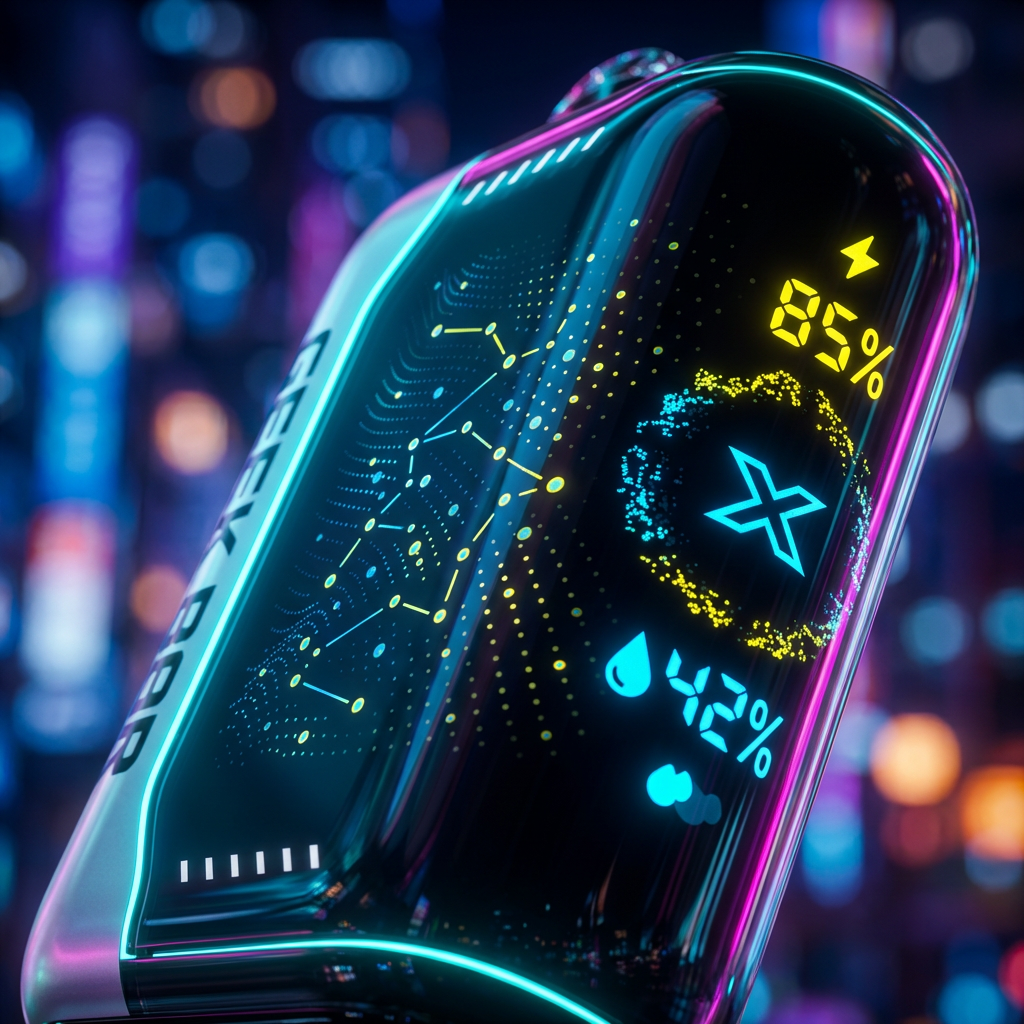
Troubleshooting Steps:
- Check Your Cable: The Pulse X requires a standard USB-C cable. Try a different cable.
- Avoid High-Speed Chargers: Do not use 65W/100W MacBook chargers. The high voltage can trigger the safety chip to block charging. Use a standard 5V/1A wall block or PC port.
- Clean the Port: Use a toothpick to gently remove pocket lint from the USB-C port.
3. Airflow & Switch Problems
The Problem: It feels like trying to suck a milkshake through a tiny straw (clogged), or the device is completely unresponsive.
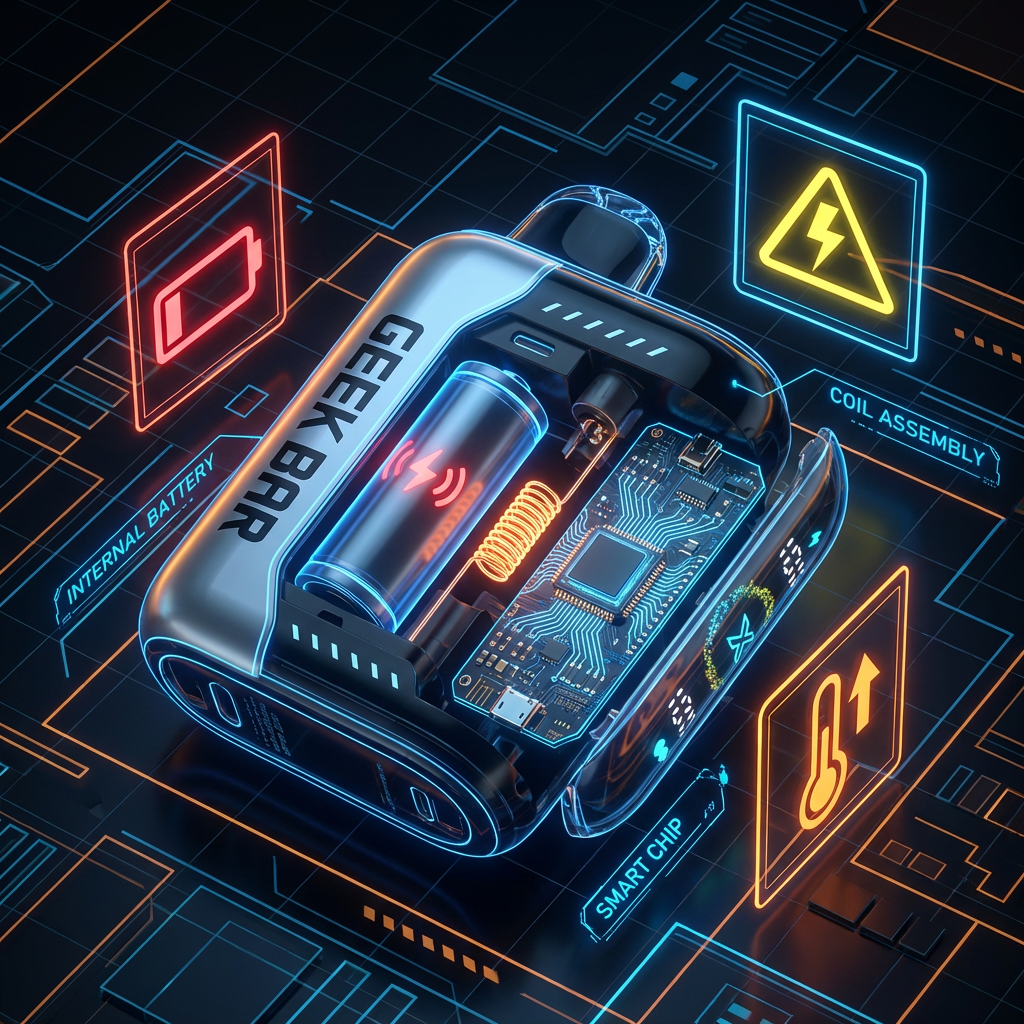
Many users accidentally leave the switch in the Middle (OFF) position. This closes the airflow and turns off the sensor. Slide it firmly to either the left (Regular) or right (Pulse) to open the airflow.
4. Is It a Fake? (The "Unfixable" Problem)
If you have tried all the steps above and your device is still acting strange (e.g., screen graphics look pixelated, battery dies in 10 minutes), you might have a counterfeit device.
Authentic Geek Bar Pulse X devices have a high-definition 3D Curved Screen. Fakes often have dim, flat screens with low-resolution animations. Always verify the QR code on the box.
Watch: Proper Operation Guide
Compare your device's behavior to the official standard. If your screen or airflow doesn't match this video, your device may be defective.
Is your device dead-dead?
If these fixes didn't work, it's time for a fresh one.
Shop New Pulse X (Fast Shipping)